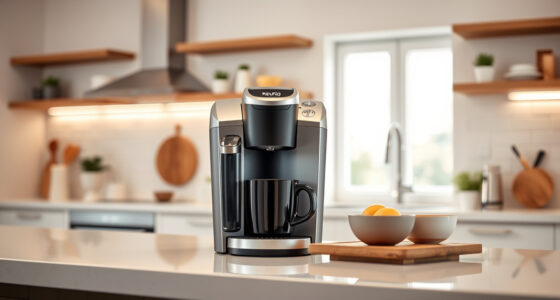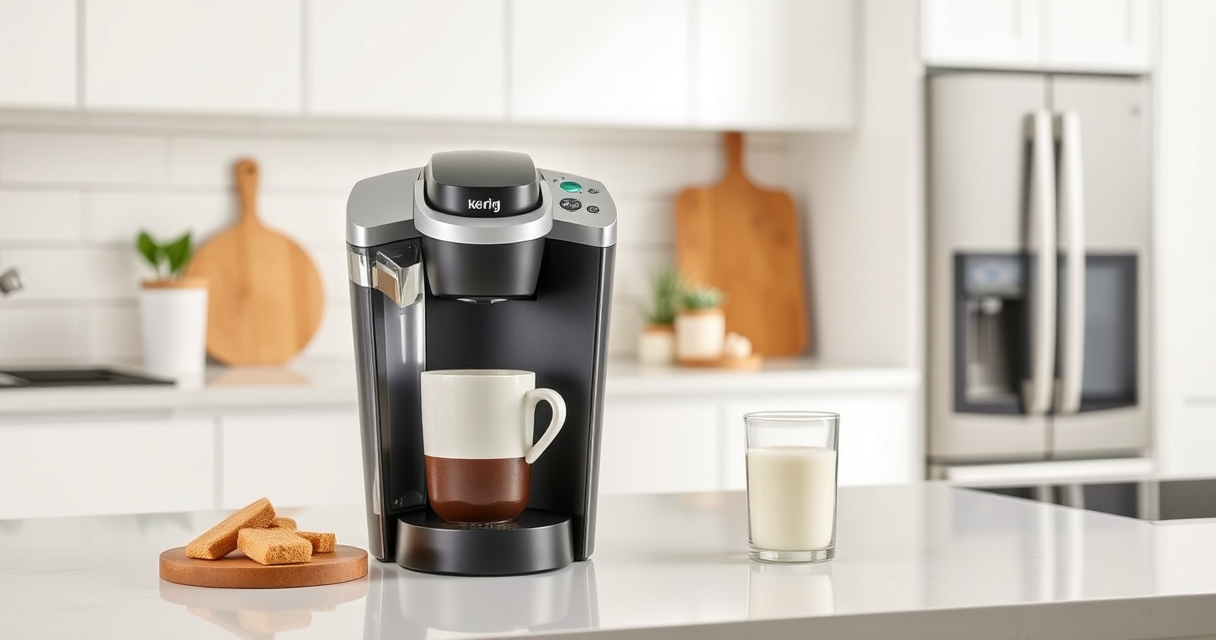

If your Keurig K-Mini Single Serve Coffee Maker isn’t turning on, don’t worry. Sometimes, simple troubleshooting steps can resolve power issues without needing professional repair. This guide walks you through the most common causes and safe fixes to get your machine back in action.

Get kitchen gear delivered free — and shop member deals
- Fast, free delivery on millions of items
- Access to Prime Big Deal Days deals on October 6–7
- Prime Video, Amazon Music and more included
Before proceeding, ensure your coffee maker is plugged into a working outlet and check for obvious issues like a loose cord or a tripped circuit breaker.
Key Takeaways
| Check power connection | Ensure the cord is securely plugged in and the outlet works. |
| Inspect for damage | Look for frayed cords or damaged plugs before troubleshooting. |
| Reset or unplug | Unplug the unit, wait 1 minute, then plug back in to reset. |
| Check internal components | Internal faults or a blown fuse might need professional repair. |
| Verify power supply | Use a different outlet to confirm power availability. |
1. Confirm Power Source and Outlet
Start by making sure your outlet is functioning properly. Plug another device into the same outlet to verify power. If the outlet is dead, try a different one.
Ensure the power cord is securely connected to the coffee maker and the outlet. Reset any circuit breakers if necessary.
2. Check the Power Cord and Connections
- Inspect the cord for visible damage or frays. Do not attempt to use a damaged cord.
- Make sure the cord is fully inserted into the machine’s power port.
3. Perform a Reset
- Unplug your Keurig K-Mini from the power outlet.
- Wait at least 1 minute to allow any residual power to drain.
- Plug it back in securely and see if it powers on.
4. Check for Internal Issues
If the machine still doesn’t turn on, internal issues such as a blown fuse or faulty switch might be the cause. At this point, consider contacting Keurig customer support or a professional repair service, especially if your unit is under warranty.
Tips and Warnings
- Safety first: Always unplug the machine before inspecting or cleaning internal parts.
- Avoid DIY repairs: Do not open the device if you’re unfamiliar with electrical repairs to prevent injury or further damage.
- Use compatible accessories: If using a reusable filter, ensure it’s correctly installed to avoid electrical issues.
The Products in This Guide

Keurig K-Mini Single Serve K-Cup Pod Coffee Maker
- ✔ Width: Less than 5 inches
- ✔ Mug Height: Up to 7 inches
- ✔ Auto Off: Yes

My K-Cup® Reusable Coffee Filter
- ✔ Size: Fits standard K-Cup holders
- ✔ Ease of Use: Simple to fill and clean
- ✔ Eco-Friendly: Yes
Keurig K-Mini Single Serve K-Cup Pod Coffee Maker
The Keurig K-Mini is a sleek, space-saving single-serve coffee maker perfect for small kitchens, offices, or dorm rooms. It’s easy to use and quick to brew, making it a popular choice for coffee enthusiasts with limited space.
Pros:
- Fits under cabinets and small spaces
- Brews 6-12oz cups quickly
- Removable drip tray for travel mugs
- Auto off feature saves energy
Cons:
- No on/off button, relies on power connection
- Limited to single cup brewing
- No built-in water filter
Best for: Small space living, quick and easy coffee brewing
Not ideal for: Users needing a built-in grinder or larger capacity
Bottom line: A compact, reliable coffee maker ideal for small spaces and quick brews.
My K-Cup® Reusable Coffee Filter
The My K-Cup® Reusable Coffee Filter allows you to brew with your favorite ground coffee, providing flexibility and flavor control. It’s compatible with the Keurig K-Mini and other models.
Pros:
- Brew with ground coffee
- Reusable and eco-friendly
- Easy to clean
- Allows customization of coffee strength
Cons:
- Requires regular cleaning
- May need adjustment for grind size
- Slightly more effort than using K-Cups
Best for: Coffee lovers wanting ground coffee flexibility
Not ideal for: Those seeking convenience of pre-packaged K-Cups
Bottom line: A versatile reusable filter perfect for ground coffee enthusiasts.
Frequently Asked Questions
Why won’t my Keurig K-Mini turn on?
Possible reasons include a faulty power outlet, damaged power cord, internal electrical issues, or a blown fuse. Follow troubleshooting steps to identify the problem.
How do I reset my Keurig K-Mini?
Unplug the machine, wait at least 1 minute, then plug it back in. This can help reset internal electronics that may be preventing it from powering on.
Is it safe to open my Keurig to inspect the inside?
No. Opening the device can be dangerous and may void your warranty. Contact professional repair services if internal issues are suspected.
What should I do if the power cord is damaged?
Replace the cord with a compatible, manufacturer-approved one or contact Keurig customer support for assistance.
Quick Fixes to Get Your Keurig Back Brewing
Power issues with your Keurig K-Mini can often be resolved with simple steps like checking the outlet, resetting the machine, or inspecting the cord. If these don’t work, professional repair may be necessary. Always prioritize safety and consult support if unsure.
With proper troubleshooting, you can often restore your Keurig to full working order and enjoy your favorite brews once again.
Affiliate disclosure: As an Amazon Associate we earn from qualifying purchases. Prices and availability are accurate as of the time of publishing.
Halloween Picks
halloween
As an affiliate, we earn on qualifying purchases.