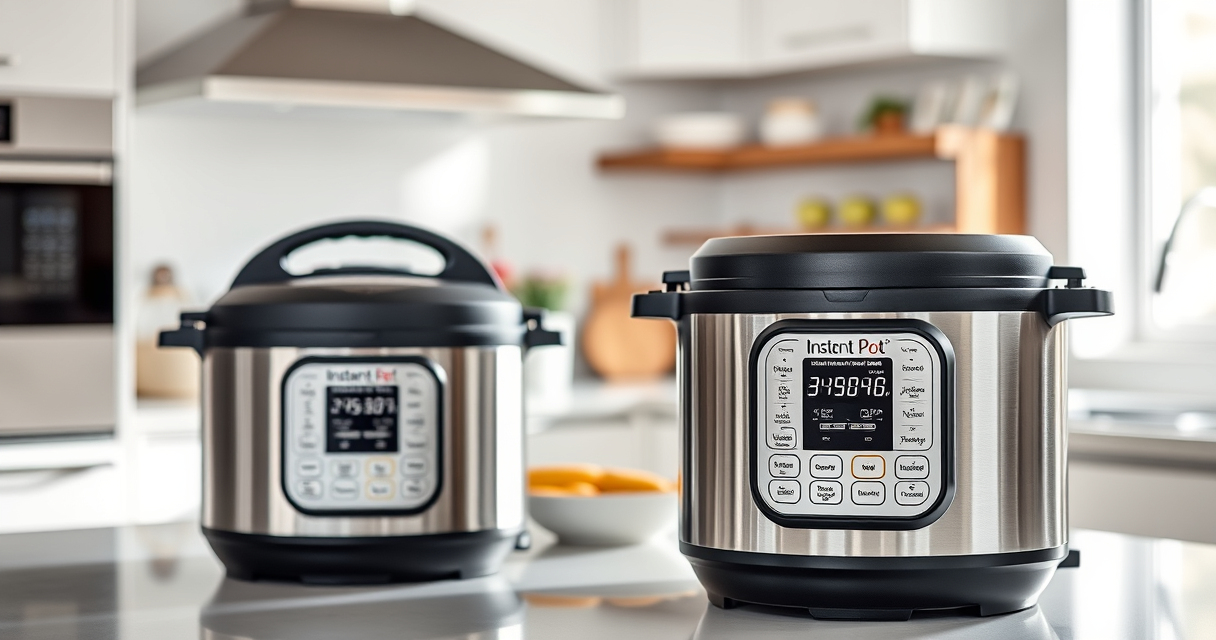

Encountering the burn error on your Instant Pot can be frustrating, but understanding its causes and knowing how to fix it can save you time and prevent damage. This guide provides practical, step-by-step solutions to resolve the burn warning safely and get your cooking back on track.

Get kitchen gear delivered free — and shop member deals
- Fast, free delivery on millions of items
- Access to Prime Big Deal Days deals on October 6–7
- Prime Video, Amazon Music and more included
Whether you’re new to pressure cooking or a seasoned user, these troubleshooting tips are designed to be clear, accurate, and safe for your device.
Key Takeaways
| Common Cause | Food sticking or burning at the bottom |
| Prevention Tip | Add enough liquid as per recipe |
| Cleaning Importance | Regularly clean the inner pot and sealing ring |
| Proper Layering | Avoid overcrowding ingredients |
| Quick Fix | Release pressure and check for burnt residue |
Identify the Burn Error
The burn error typically appears as a warning message on your Instant Pot screen, indicating that the appliance detects food or liquid burning at the bottom.
Step 1: Turn Off and Release Pressure
- Press ‘Cancel’ to turn off the Instant Pot.
- Carefully release the pressure using the quick release method, by turning the steam release handle to ‘Venting’.
- Wait until the float valve drops, indicating pressure is fully released.
Step 2: Open and Inspect the Inner Pot
- Open the lid carefully. Check for burnt food or residue at the bottom of the inner pot.
- Gently scrape off any burnt bits with a non-abrasive spatula.
Step 3: Clean and Reset
Wash the inner pot thoroughly with warm soapy water. Check the sealing ring and clean any food particles. Ensure the bottom is dry before reinstalling.
Step 4: Adjust and Restart
- Add sufficient liquid (minimum of 1 cup for most recipes) to prevent burning.
- Layer ingredients properly, avoiding overcrowding.
- Close the lid securely and set the cooking program again.
The Products in This Guide

Instant Pot 4QT RIO Mini 7-in-1 Multi-Cooker
- ✔ Capacity: 4 Quarts
- ✔ Functions: 7-in-1
- ✔ Size: Mini

AOZITA Steamer Basket
- ✔ Material: Stainless Steel
- ✔ Capacity: 2 tiers
- ✔ Compatibility: 6/8 qt
Instant Pot 4QT RIO Mini 7-in-1 Multi-Cooker
The Instant Pot 4QT RIO Mini offers versatile cooking functions in a compact size, making it ideal for small families or singles. Its anti-spin design ensures steady cooking, and it cooks up to 70% faster than traditional methods.
Pros:
- 7-in-1 functionality
- Space-saving design
- Fast cooking
- Easy to clean
Cons:
- Limited capacity for large families
- Requires careful handling to avoid burn errors
Best for: Small households or quick, varied meals
Not ideal for: Cooking large quantities or for big families
Bottom line: Perfect for small-scale, versatile cooking with easy-to-use features.
AOZITA Steamer Basket
The AOZITA Steamer Basket is a versatile accessory that allows you to steam vegetables, eggs, or even cook multiple dishes simultaneously in your Instant Pot.
Pros:
- Two-tier design
- Stainless steel mesh
- Fits 6 and 8 qt models
- Easy to clean
Cons:
- Adds extra step for cleaning
- Requires careful stacking
Best for: Multi-layer steaming and batch cooking
Not ideal for: Simple single-item steaming
Bottom line: Great accessory to maximize your Instant Pot’s steaming capabilities.
Frequently Asked Questions
Why does my Instant Pot display a burn error?
It usually indicates food or liquid has burned at the bottom due to insufficient liquid, overcrowding, or food sticking during cooking.
How can I prevent the burn error?
Use enough liquid, avoid overcrowding, and ensure the bottom of the inner pot is clean before cooking.
Is it safe to continue cooking after a burn error?
No, you should turn off the device, release pressure, clean the pot, and fix the issue before restarting to avoid damage or safety risks.
Can I still use my Instant Pot after a burn error?
Yes, after cleaning and correcting the cause, you can resume cooking. Regular maintenance reduces the chance of recurrence.
Getting Back on Track with Your Instant Pot
Burn errors are common but manageable with proper care. By understanding their causes and following safe troubleshooting steps, you can keep your Instant Pot functioning smoothly. Regular cleaning, adequate liquid, and proper layering are key to preventing future issues, ensuring you enjoy quick, delicious meals without frustration.
Affiliate disclosure: As an Amazon Associate we earn from qualifying purchases. Prices and availability are accurate as of the time of publishing.
Halloween Picks
halloween
As an affiliate, we earn on qualifying purchases.