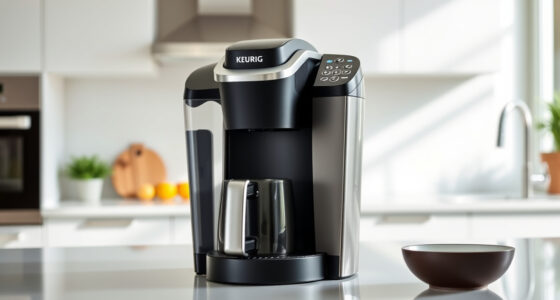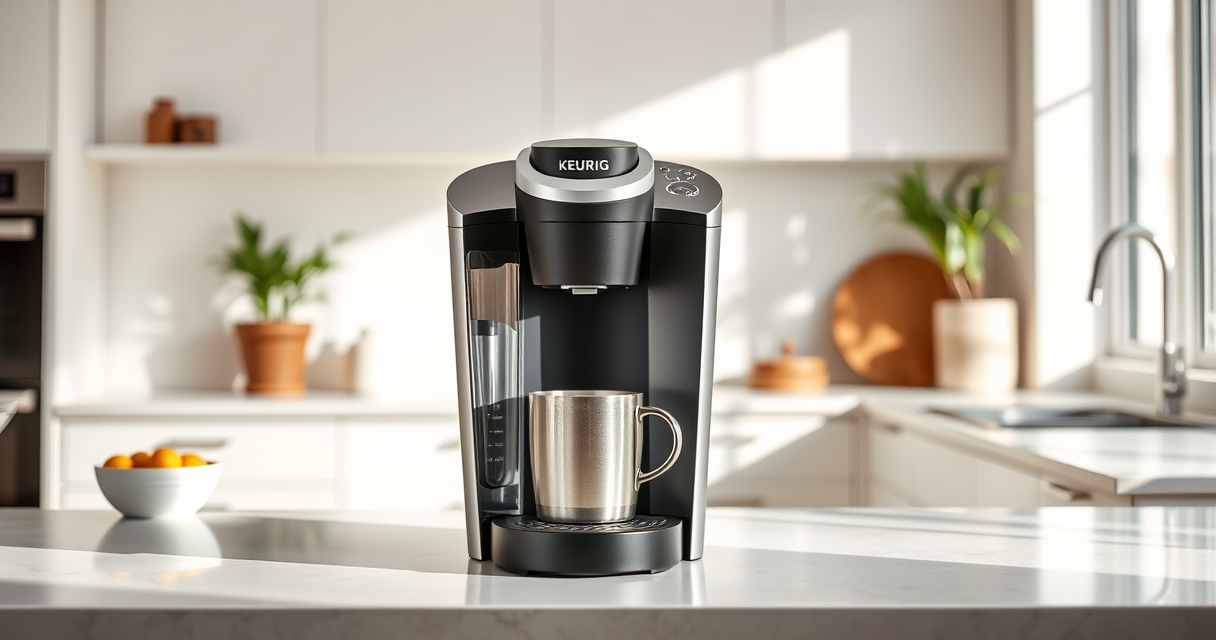

If your Keurig K-Mini isn’t brewing a full cup, it can be frustrating. This guide walks you through common causes and practical solutions to restore full brewing capacity. Whether it’s a water flow issue or mineral buildup, you’ll find clear, safe steps to troubleshoot and fix your coffee maker.

Get kitchen gear delivered free with Prime
- Fast, free delivery on millions of items
- Prime Video, Amazon Music and more included
- Member-only deals all year
Regular maintenance and correct usage are key to keeping your Keurig functioning perfectly. Follow these steps carefully, and you’ll enjoy your favorite brews without interruption.
Key Takeaways
| Check for clogs | Clogged needles or water pathways can cause partial brewing. |
| Perform descaling | Mineral buildup reduces water flow; regular descaling helps. |
| Clean the needle | Brew blockages often stem from leftover coffee grounds or debris. |
| Ensure proper placement | Incorrect placement of the K-Cup or travel mug can affect brew volume. |
Step 1: Check and Clear Blockages
- Turn off and unplug your Keurig for safety.
- Remove the water reservoir and empty any remaining water.
- Open the lid and remove the used K-Cup pod if present.
- Inspect the piercing needle for coffee grounds or debris. Use a paper clip or needle to carefully clear any clogs.
- Run a water-only brew cycle to see if the flow improves.
Step 2: Descale Your Keurig
Mineral deposits can restrict water flow, causing partial brews. Use a descaling kit or a mixture of equal parts water and white vinegar.
- Fill the water reservoir with the descaling solution or vinegar mixture.
- Place a large mug on the drip tray.
- Run a brew cycle without a K-Cup, allowing the solution to pass through.
- Repeat until the reservoir is empty.
- Follow with 2-3 cycles of clean water to rinse out any vinegar or descaling solution.
Step 3: Clean the Needle and Water Path
Residual coffee or mineral buildup in the needle can block water flow. Regular cleaning is essential.
- Remove the water reservoir and empty it.
- Use a long, thin brush or a Keurig cleaning tool to gently scrub the needle.
- Wipe the water passage with a damp cloth or use a rinse pod if available.
- Reassemble and run a test brew.
Step 4: Confirm Proper Placement & Settings
- Ensure the K-Cup pod is properly seated and not blocking the needle.
- Check that the water reservoir is correctly aligned and full.
- Verify you’re selecting the appropriate brew size (6-12oz) for your cup.
- Remove any travel mug that may prevent full flow or obstruct the brew path.
Additional Tips and Warnings
- Perform descaling every 3-6 months to prevent mineral buildup.
- Always use fresh water to avoid clogging and flavor issues.
- Use the recommended cleaning tools to avoid damaging internal parts.
- Avoid forcing the brew process if the machine is clogged; forcing can cause damage.
The Products in This Guide

Keurig K-Mini Single Serve K-Cup Pod Coffee Maker
- ✔ Capacity: 6-12oz
- ✔ Dimensions: < 5 inches wide
- ✔ Weight: Approx. 4 pounds

My K-Cup® Reusable Coffee Filter
- ✔ Brew Type: Ground coffee
- ✔ Compatibility: K-Mini, others
- ✔ Material: Plastic
Keurig K-Mini Single Serve K-Cup Pod Coffee Maker
The Keurig K-Mini Single Serve K-Cup Pod Coffee Maker is ideal for limited counter space, offering quick and fresh brews with minimal fuss. Regular maintenance keeps it running smoothly.
Pros:
- Compact size fits small spaces
- Brews 6-12oz cups quickly
- Removable drip tray for travel mugs
- Energy-efficient auto off
Cons:
- Limited water reservoir capacity
- No digital display
- Requires regular descaling for optimal performance
Best for: Small kitchens, office desks, dorm rooms
Not ideal for: Large households needing multiple cups at once, or frequent high-volume brewing
Bottom line: A convenient, space-saving brewer perfect for quick, quality coffee.
My K-Cup® Reusable Coffee Filter
The My K-Cup® Reusable Coffee Filter offers a convenient way to brew your favorite ground coffee with your Keurig, providing flexibility and savings. It’s compatible with the K-Mini and other models, making it a versatile addition.
Pros:
- Use your preferred ground coffee
- Fits Keurig K-Mini and more
- Eco-friendly and cost-effective
- Easy to clean
Cons:
- Requires filling each time
- Might take longer to brew
- Not suitable for high-volume use
Best for: Ground coffee enthusiasts, eco-conscious users
Not ideal for: Quick single-serve pods preferred, or large-volume brewing
Bottom line: A versatile, eco-friendly choice for brewing with ground coffee.
Frequently Asked Questions
Why is my Keurig not brewing a full cup?
Common causes include clogs, mineral buildup, or improper placement of the K-Cup. Follow the troubleshooting steps to clear blockages and descale your machine.
How often should I descale my Keurig?
It’s recommended to descale every 3-6 months, depending on your water hardness and usage frequency, to maintain optimal performance.
Can I use ground coffee instead of K-Cups?
Yes, with a reusable filter like the My K-Cup®, you can brew your own ground coffee, offering more variety and cost savings.
What should I do if cleaning doesn’t fix the brewing issue?
If problems persist, check for any mechanical damage or consider contacting Keurig customer support for further assistance.
Keep Your Keurig Brewing Perfectly
Regular maintenance and proper troubleshooting can extend the life of your Keurig K-Mini and ensure it always brews full, delicious cups. Follow these steps periodically and enjoy your coffee without interruption.
Affiliate disclosure: As an Amazon Associate we earn from qualifying purchases. Prices and availability are accurate as of the time of publishing.
Halloween Picks
halloween
As an affiliate, we earn on qualifying purchases.